Digital Card Onboarding

Build Your Flowpage Profile

Fill out this form with the information you want on your Flowpage digital profile. FFDS uses this to design and build your custom Flowpage, which connects to your NFC card and QR code. Provide as much detail as you can — every field helps us build a stronger profile.

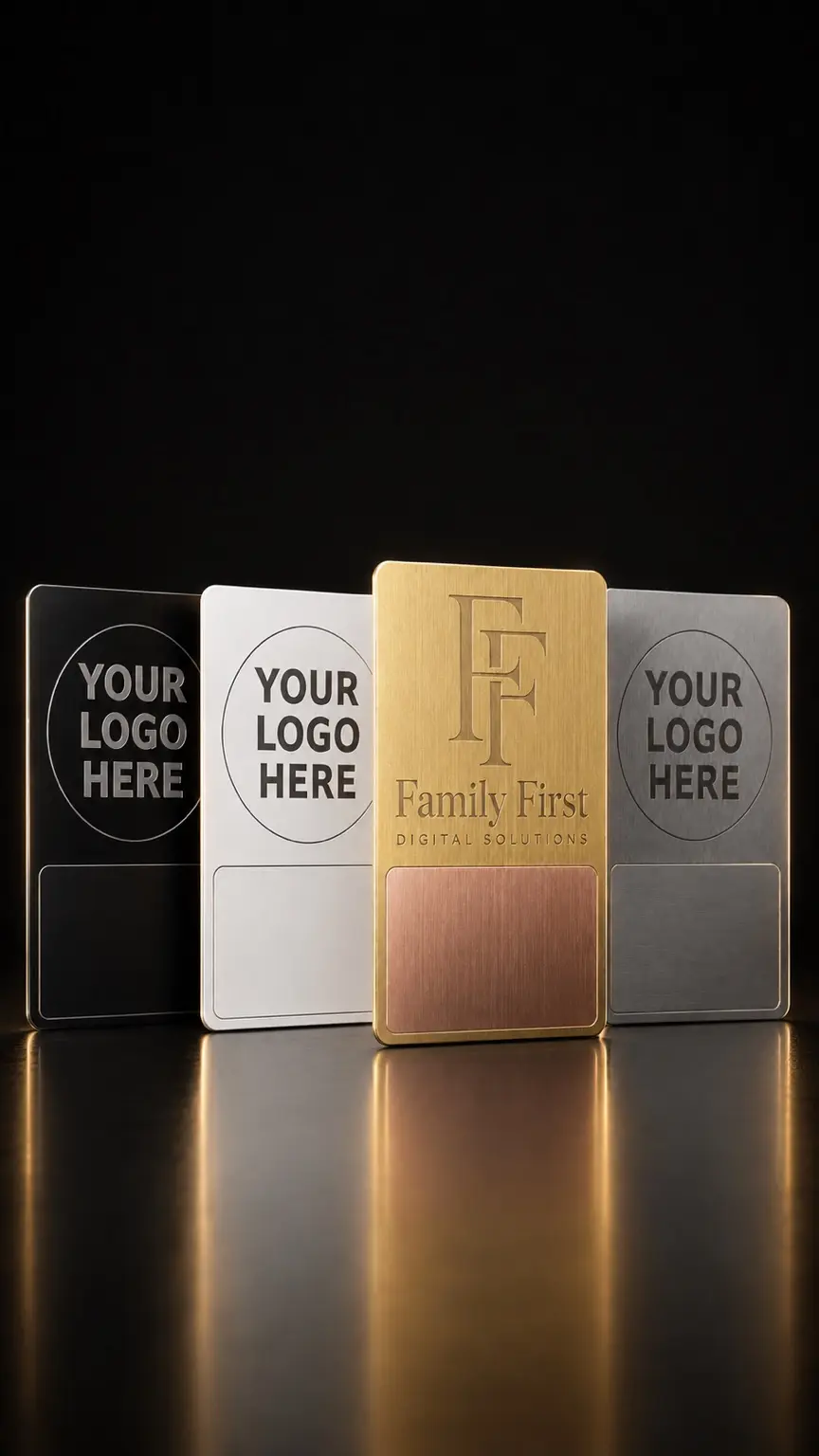
Gold FFDS digital business card displayed with black, white, and silver customizable card finishes

1. Card Selection

Choose your card finish and quantity.

2. Your Contact Information

How FFDS will coordinate with you. This is not displayed on the Flowpage.

3. Flowpage Profile & Bio

The name, title, and bio shown at the top of your Flowpage.

0/500

4. Contact Information (Shown on Flowpage)

The contact details visitors see when they tap your card or scan the QR code.

5. Social Media Links

Add the social profiles you want linked on your Flowpage. Leave blank any you don't have.

6. Custom Links

Additional links you want on your Flowpage (e.g. booking pages, portfolios, specific product pages, PDFs, videos).

Photo Required for Each Custom Link

Every custom link needs a photo attached so it displays properly on your Flowpage. Use one of two sizes:

  • Icon size — 96×96px square. Small thumbnail shown beside the link title (logos, headshots, product icons).
  • Small hero / featured-button size — 1500×500px (3:1 ratio). Use the approved wide, short Flowpage banner format from prior FFDS work for service highlights, booking links, portfolios, menus, and featured offers.

Every custom link must have either a 96×96px square icon or a 1500×500px wide, short featured-button hero image attached. Name each file to match its link (for example, "booking-icon.jpg" or "menu-featured-hero.png") so FFDS can pair it correctly during the build.

Uploaded photo URLs appear in the text area below. You can also paste image URLs manually.

0/1000

7. Design Preferences

How you want your Flowpage to look. Leave blank for FFDS to choose based on your brand.

8. Flowpage Settings

URL, SEO, and optional storefront details.

Your Flowpage URL: flow.page/yourbusiness

9. Additional Notes

Anything else FFDS should know about your Flowpage or card order.

After submission, FFDS reviews your information and reaches out to confirm the design before production begins.